

iPhone app
OneWord
One word a day. A little space to reflect.
Download on the App Store Free. iOS 18.2 or later.
What it does
OneWord helps you reflect on your life without writing a journal. Choose one word for your day. That is the whole daily commitment. Over time, your words become a personal history to return to.
Features
- Leave one word a day, with no long entry or questionnaire
- Revisit your words in a calendar and explore earlier days
- Read short reflections, then open a little space to read more slowly
- Try an optional reflection activity: no answer to write, nothing to submit
- Keep a reflection or bookmark a passage that stays with you
- Record from your iPhone, the widget or a paired Apple Watch
- Export your records from Settings and delete them when you choose
Reflections with care
Reflections offer a short view of your recorded days, recurring patterns when your history supports them, and perspectives to consider. A perspective is an invitation to consider, not a claim about your personality, motives or circumstances. Some periods offer a pattern; others offer a summary or simply need more records. You decide what fits.
Free
OneWord is free on the App Store, with no new subscription purchases. It is a journaling tool, not medical advice or mental-health treatment.
Privacy
No account, advertising or cross-app tracking. Your journal and reflections stay on your device. Optional Apple Health readings and weather can add context, and voice input uses Apple speech recognition; these permissions are optional, and Apple services may process weather or speech requests. Full details are in the privacy policy.
Screenshots
-
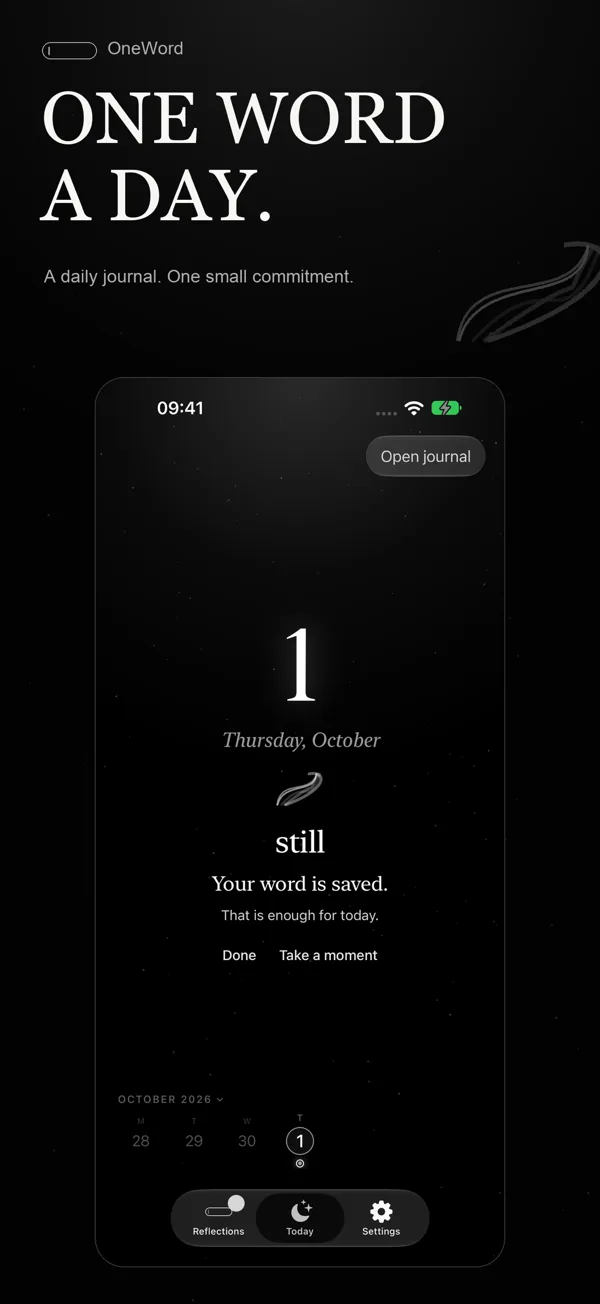
One word a day. -
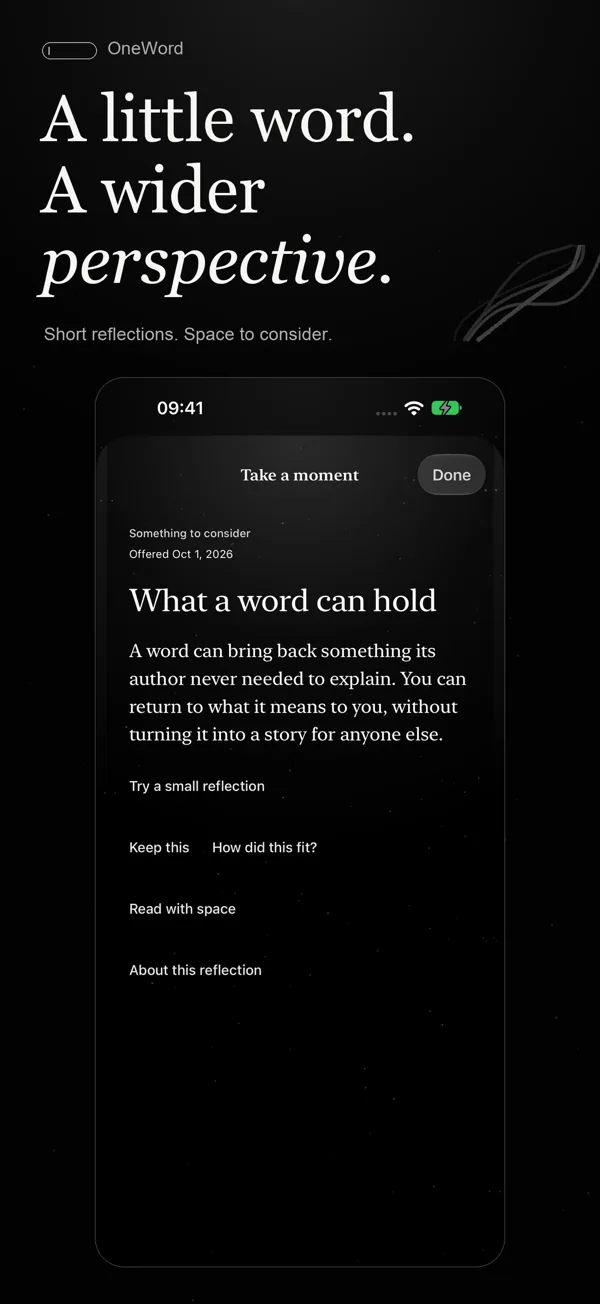
A little word. A wider perspective. -
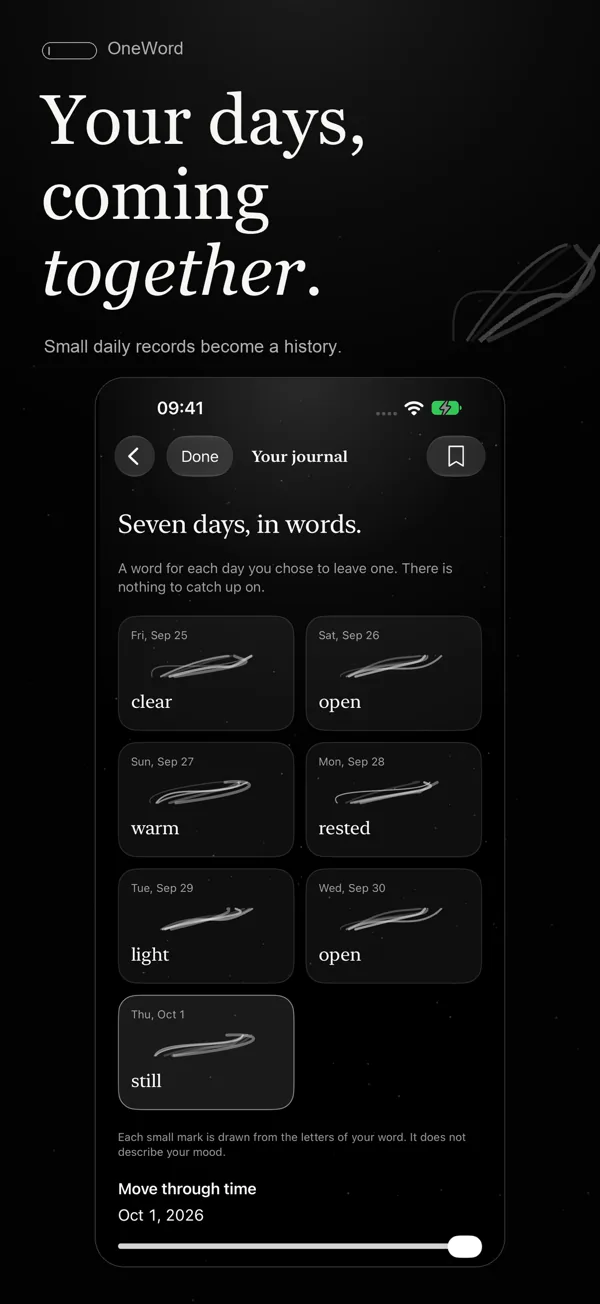
Your days, coming together. -
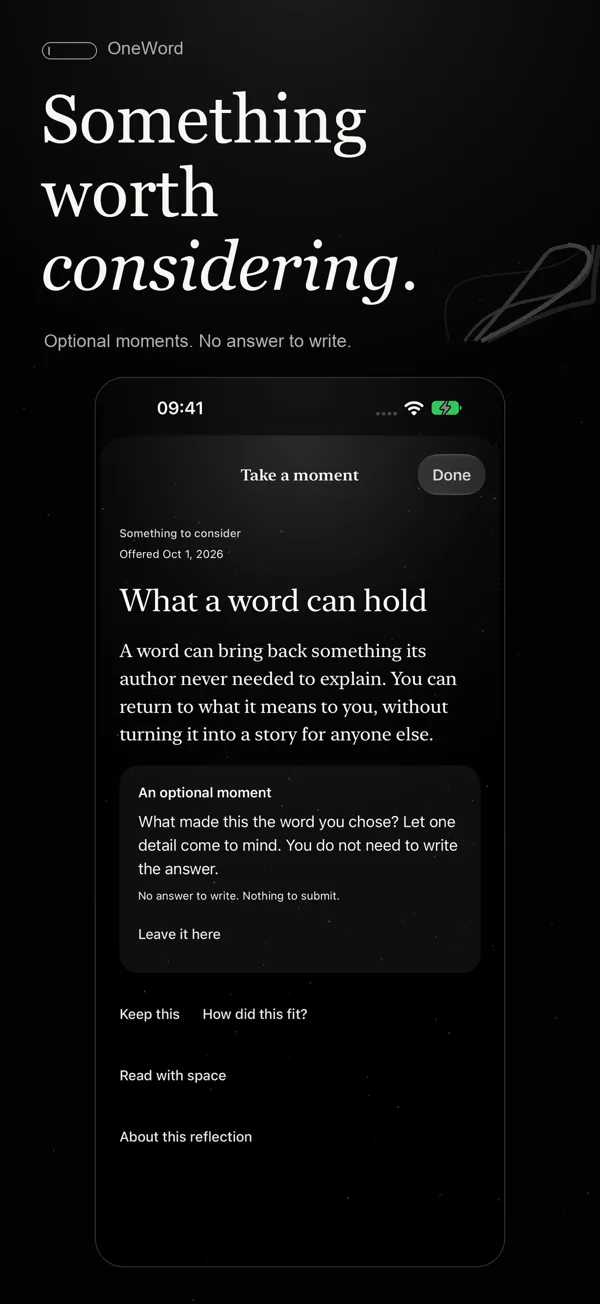
Something worth considering. -
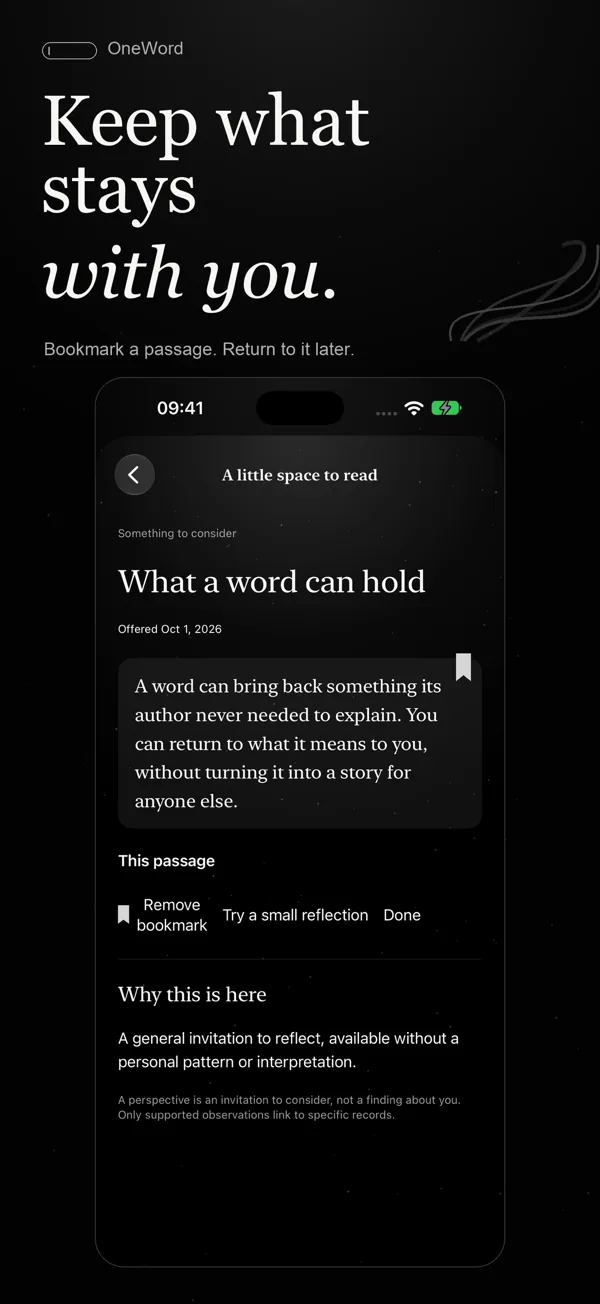
Keep what stays with you. -
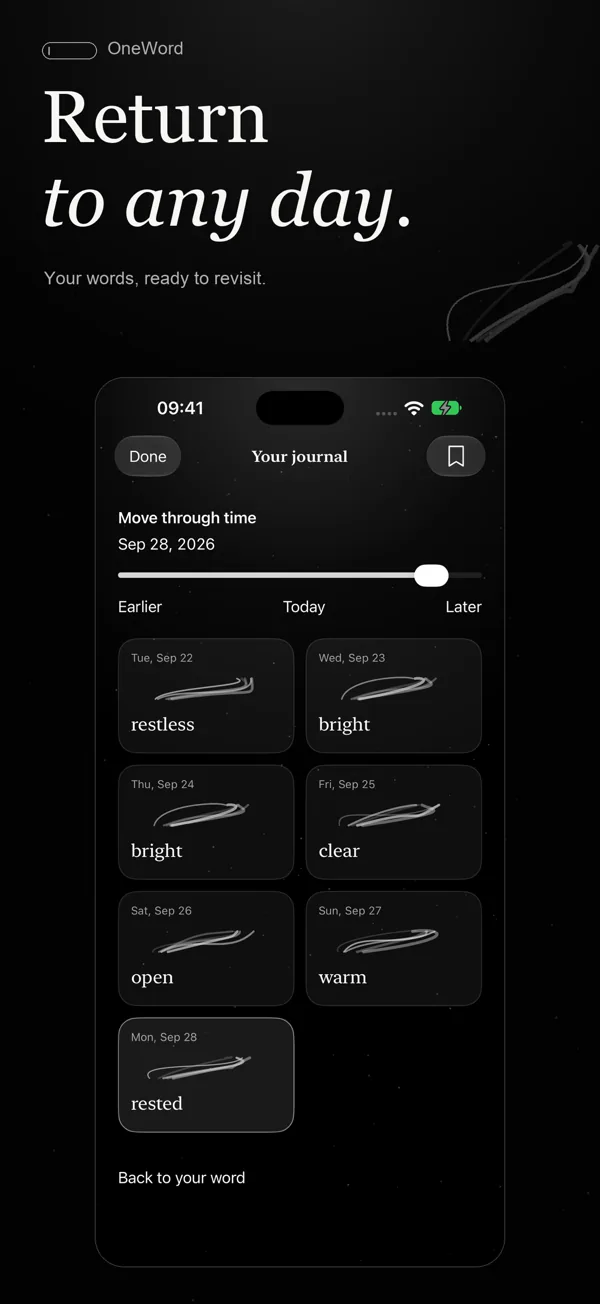
Return to any day.
Support
Questions or problems with OneWord: email support@insanialabs.com and we will get back to you. The support page covers a missing word, Health and weather permissions, and export or deletion.
Questions
- What does OneWord do?
- OneWord helps you reflect on your life without writing a journal. You choose one word for your day, and over time your words become a personal history to return to, with short reflections on your recorded days.
- How much does OneWord cost?
- OneWord is free on the App Store, with no new subscription purchases.
- Which devices does OneWord run on?
- iPhone with iOS 18.2 or later. It also runs on iPad, and you can record your word from the widget or a paired Apple Watch.
- Does my journal leave my device?
- No. OneWord has no account, advertising or cross-app tracking, and your journal and reflections stay on your device. If you allow weather or voice input, Apple services may process those requests.
- Can I export or delete my records?
- Yes. Open Settings, then Export Data or Delete All Data. Keep any exported copies you need before deleting.
- Is OneWord medical advice?
- No. OneWord is a journaling tool, not medical advice or mental-health treatment.